
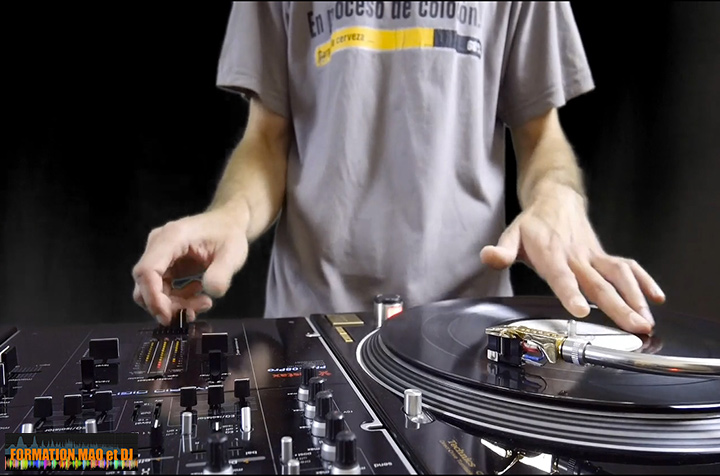
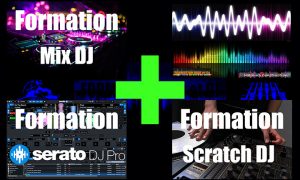
DJ Mix Training + Serato DJ Pro + Mashup + Scratch
315,20€
Duration : 40H38



Description
DJ Mix Training + Serato DJ Pro + Mashup + Scratch
Mix DJ, Serato DJ Pro, Mashup and Scratch training
First of all, if you want to learn today and at your own pace, this course is for you.
Mix DJ Class
Mix DJ Class is aimed at the whole beginner as well as for those who want to improve their mix DJ.
The Mix DJ Class will allow you to learn to mix quickly, and to create your own recordings. You will be able to promote your mix and your services in order to obtain contracts.
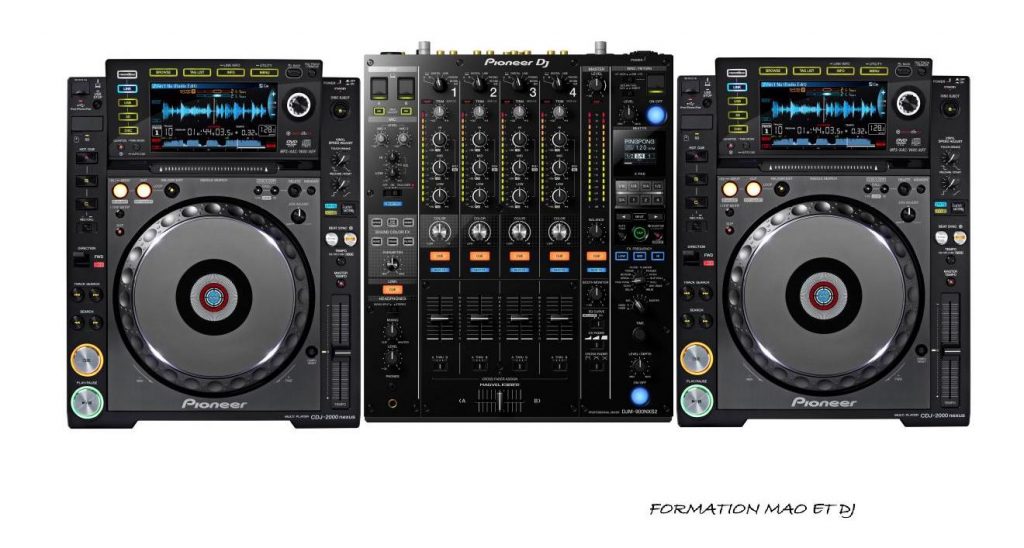
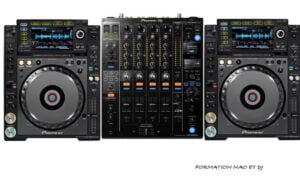
You will learn to mix your favorite tracks whatever your musical style (EDM, hip hop, trap, dubstep, reggae, etc). Of course, you need to have the equipment to mix beforehand. You will need at least two turntables and a mixer, or a DJ controller and a DJ software (RekordBox, Traktor, Serato)
Whether you have vinyl decks, CD decks, or a more software-based controller such as Djuced, Deckadance, Virtual DJ, Traktor or Serato, in the Mix DJ Class you will learn how to mix.
The mixing techniques are as well for controller, CD decks or vinyl decks.
The only difference is in the touch (jog vs vinyl), but the sound result is the same.
Just like the difference between controller and turntables + mixer, there is no problem to apply these techniques.
For progress rapidly, it will simply be necessary to apply in order and step by step the method to achieve it.
After some serious work, you will be an expert in DJ-ing.
Develop your creativity, and find your originality as a DJ.
Serato DJ Pro
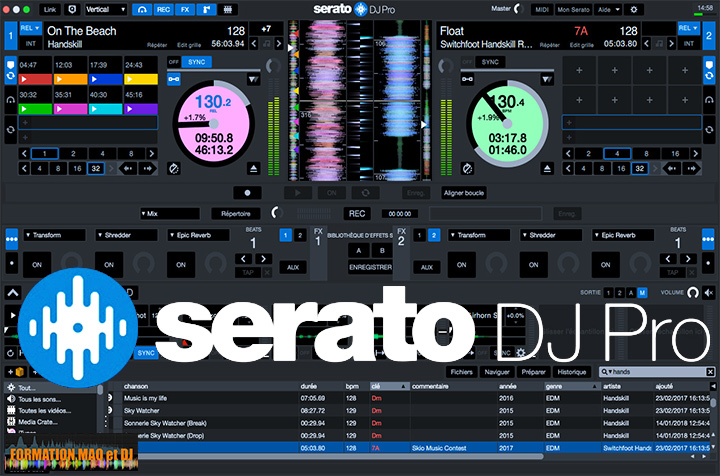
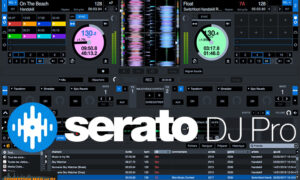
Serato DJ Pro Trainingthe DJ software used by DJ-ing pros!
To avoid wasting time and use Serato DJ quickly, this Serato DJ Pro Training will allow you to know and use all the functions to mix like a pro. Then use Serato's sticker lock and anti-drift for even more precise mixes. Discover Serato DJ Pro's practice mode, then mix without an external sound card.
It's with Serato DJ, Serato DJ Pro and the Rane Sixty Two table as controller, that the demonstrations will be carried out.
Use Serato Video to play your own video clips or custom images and messages to the beat of the music.
Conclusion to your decks or controllers to start today!
Mashup
Build a mashup in 7 steps from the choice of the pieces to the publication and promotion of the mashup.
We will make 3 different ones. Thus we will approach different techniques.
The choice of pieces
To start a mashup you have to choose the pieces to include for a coherent result.
We will choose the pieces whether they are of similar or different musical genre.
Then see what the possibilities are and what limits should not be exceeded.
Selection of the parts to be edited
Then editing of these pieces to keep only the desired parts. It is necessary to respect the length of the cycles and the type of cycle. For this we will balance the cycle parts.
Gain, tempo and tone settings
Then we will proceed to the adjustments of the gains to have no difference in volume between each of the pieces. In order to associate the pieces as in a mix. Moreover we will adapt the tempo according to the result to obtain.
As well as the earnings, we will adjust the tone so that the pieces become one. So we will see the principle of harmonic mixing.
The registration
Thus, we will make the recording. And depending on the result, we will correct the edited parts or the sound settings. In order to reduce the differences of compression between the pieces, we will adjust the loudness, to increase the RMS db.
Also it will be possible for you to replay your mashup live by covering the original songs.
Editing the synchronized video clip
To bring the MashupIn this course, we will create a video clip synchronized with the audio. Video editing and application of effects and transitions are included.
The cover
Next we will see how to create an attractive cover for your mash-up. Where to find images and how to associate this image with the mashup. Your DJ name will be included.
Publication and promotion
Finally we will review on which platform you should publish your mashup. The goal is to be seen as much as possible. After the publication, we will see the distribution to promote your mashup.
Conclusion you will learn the DJ mix and the production of a Mashup with the DJ Mix + Mashup training.
Scratch DJ Class
Learning to scratch requires a combination of knowledge, practice, and listening. There are no shortcuts, you need technique and practice, which I explain by breaking down the technique for a step-by-step learning process.
The scratch DJ Class is a training space for learn to scratch step by step.
The lessons are contained in modules for structured learning.
HD quality videos for clear and enjoyable tutorials:
- Slow motion to understand the movements of the fastest techniques.
- As well as zooms on the crossfader area to repeat the gestures to be applied.
- Also tips and tricks to save time when training.
Each course contains:
The explanation and demonstration of a technique.
And also downloadable training audio files (Q & A) at different speeds.
Download scratch tools and break beats for practice.
To help you find your way around, there is a download page for more than 60 break-beats and a page for scratch tools in the last chapter.
In the end, you can reproduce exactly the lessons you have taken thanks to the samples and instrumentals you can download.
Scratch DJ Class: The biggest Scratching DJ course available online, for learning this hard to learn discipline. Master faderless techniques, simple techniques, combinations and beat-juggling.
In a word, you will become a real DJ with the Mix DJ, Serato DJ Pro, Mashup and Scratch courses.
Language: French
What will I learn?
 To be mixed with all types of material
Types of cables and connections
Audio signal transit (anomaly detection)
The functioning of vinyl CD players and mixers
Prerequisites
To follow this course, it is recommended to have 2 turntables (vinyl or CD) and a mixer. A controller and a DJ mixing software are used but not necessary to learn DJ mixing. The files to be downloaded are in ZIP format to be decompressed before playing on CD or in a DJ software. A computer and an internet connection are mandatory to follow this training. HD quality videos (1080p).
Target audience
Making DJ his job
DJ's from passionate to professional
The musical structure
The different types of mix
Gain control, compression level
Use of effects
Multi-track recording
This material includes
Software for audio files
Recording software
Playlists to download
What will I learn?
 Getting Started Quickly with Serato
Understand the reading modes
Manage effects
Create your recordings
Using the loop roll
Using pitch & time
Setting up and using pitch play
Setting up the sampler and playing samples
Using the flip
Setting up and using the synchronization
Configure all settings
Prerequisites
The latest version of Serato is recommended for this course. A dedicated Serato controller will be preferred but you can control Serato from any MIDI controller (explained in the course).
Target audience
DJ wanting to use Serato fully
This material includes
File to use the pitch play
What will I learn?
Create a Mashup with or without DAW
Reproduce your Mashup in Live
Prerequisites
Basics of DJ mixing
Target audience
Mix DJ publishing his DJ sets
DJ wishing to promote his DJ name
Create your cover and video clip
What will I learn?
Learn scratch techniques
Mastering the dragging movements
Perfect control of the crossfader
Prerequisites
For scratch training, it is mandatory to have a scratch type mixer (with adjustable crossfader curve). It is recommended to have direct drive turntables (for the motor torque). A DJ software will be useful to load instrumentals and scratch tools, but it is not mandatory. Scratching was invented on real turntables, but scratching techniques can be reproduced on a CD player or a DJ controller.
Target audience
For Scratch DJ's Beginner
For Scratch DJ's Pro
Acquire beat-juggling reflexes
Become a turntablist
This material includes
Breakbeats
Samples for scratch
Reviews
There are no reviews yet.



Be the first to review “DJ Mix Training + Serato DJ Pro + Mashup + Scratch”